AutoCAD
Master the industry-standard CAD software to create precise 2D drawings and 3D designs — the essential skill for architecture, engineering and design.
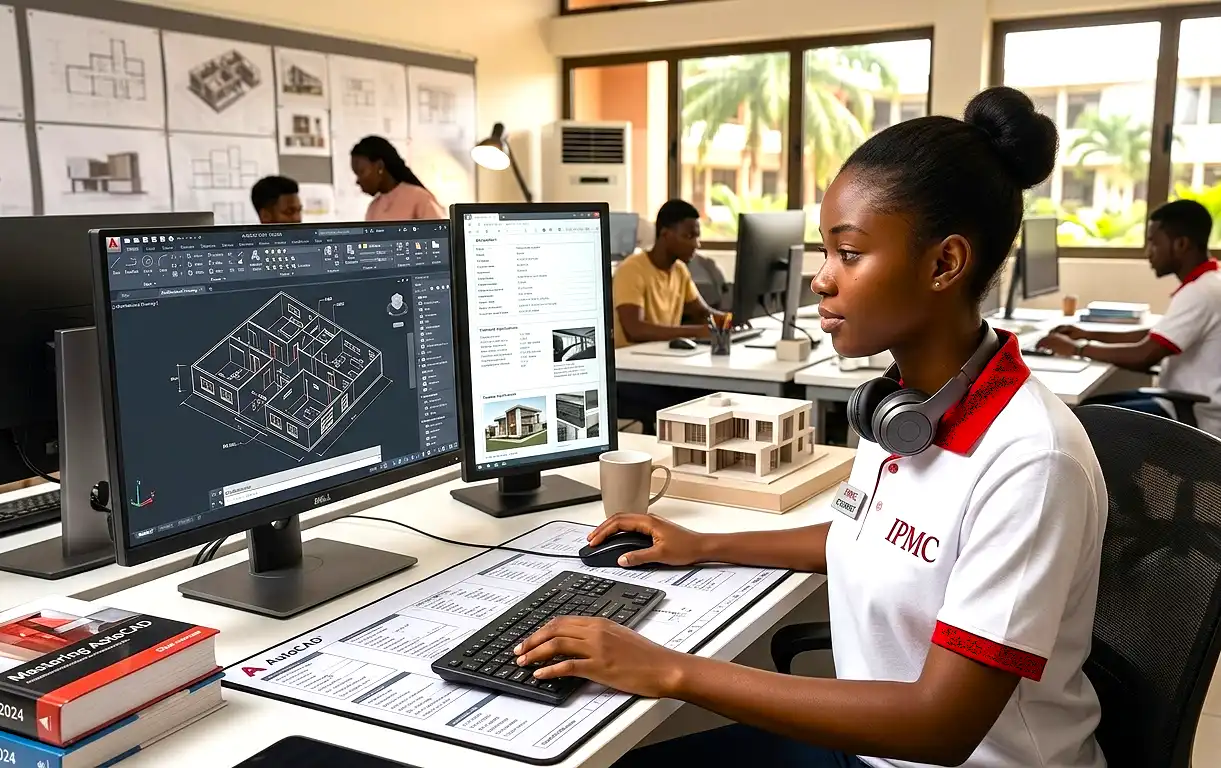
Overview
AutoCAD is the world's most widely used computer-aided design (CAD) software — the tool architects, engineers and designers rely on to bring ideas to life. This course takes you from the basics to producing precise, professional drawings and designs.
Through hands-on practice, you'll learn to draft accurately, work efficiently with layers and blocks, annotate and dimension your work, and prepare drawings for printing — finishing with real, portfolio projects.
What you'll learn
- The AutoCAD interface and navigation
- Precise 2D drafting and drawing tools
- Layers, blocks and reusable content
- Dimensioning and professional annotation
- Layouts, printing and plotting
- The fundamentals of 3D modelling
Course content
Find your way around the interface, set up drawings and master core navigation.
Draw accurately using coordinates, snaps and the essential drawing and editing commands.
Organise drawings with layers and work efficiently with reusable blocks.
Add accurate dimensions, text and annotations that meet professional standards.
Set up layouts and plot your drawings to scale, ready for print or sharing.
Step into 3D and apply everything you've learned to real design projects.
Who it's for
This course is ideal for architects, engineers, draughtspersons, interior and product designers, and students who want a job-ready CAD skill set.
No prior CAD experience is required — just an eye for detail and a desire to design.
Your certificate
On successful completion, you'll earn an IPMC certificate — recognised by employers across Ghana — plus a set of drawings and designs for your portfolio.
Design with precision.
Enrol in AutoCAD, or talk to an advisor about the right course for your goals.